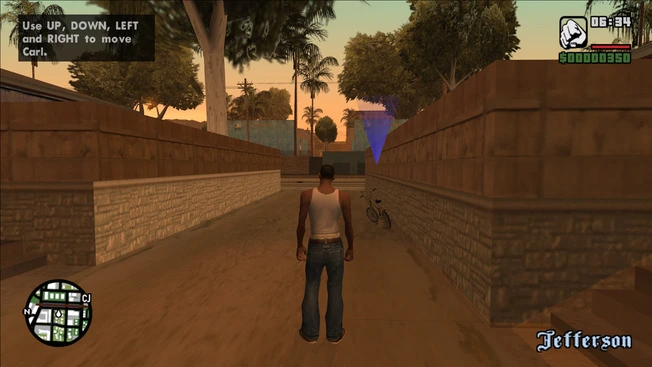
GTA San Andreas Widescreen Fix
View game page: Grand Theft Auto: San AndreasDescription
Grand Theft Auto: San Andreas was built for 4:3 displays, so on modern monitors the image is stretched and the field of view feels cramped. This widescreen fix corrects all of that by adding true aspect-ratio support and rescaling the interface so the game looks the way it should on 16:9, 16:10, and ultrawide 21:9 screens.
It is a lightweight ASI plugin: you drop a couple of files next to the game executable and the fix applies automatically at launch. No installer, no permanent changes to the game files, and it sits well alongside other popular San Andreas mods.
What it fixes
- Correct aspect ratio for 16:9, 16:10, and 21:9 displays
- HUD and menu elements repositioned and rescaled to match your screen
- Restored, non-distorted field of view
- A range of extra options exposed through a simple
.inifile
How to install
- Download the archive below and extract it.
- Copy the contents into your game directory — the same folder as
gta_sa.exe. - (Optional) Open the
.inifile to tweak FOV, HUD, and resolution options. - Launch the game.
This is a community fix, distributed free under the MIT license. Full credit to ThirteenAG and contributors; the original release page is linked in the Files tab.
- mod_requirements:
<ul><li>GTA: San Andreas (PC)</li><li>An ASI loader is recommended (e.g. Ultimate ASI Loader) if one is not already present</li></ul> - mod_changelog:
Rolling release. See the original release page for the latest per-build notes. - Source & Permissions (internal note): github.com/ThirteenAG/WidescreenFixesPack — tag
gtasa. License: MIT. Mirroring allowed with attribution + license text included.